How to Convert a 4G Phone to 5G: What Is Actually Possible?
Many people search for ways to convert their existing 4G phone into a 5G smartphone without buying a new device. Since 5G networks offer faster internet speeds, lower latency, and improved connectivity, upgrading from 4G to 5G can be attractive.
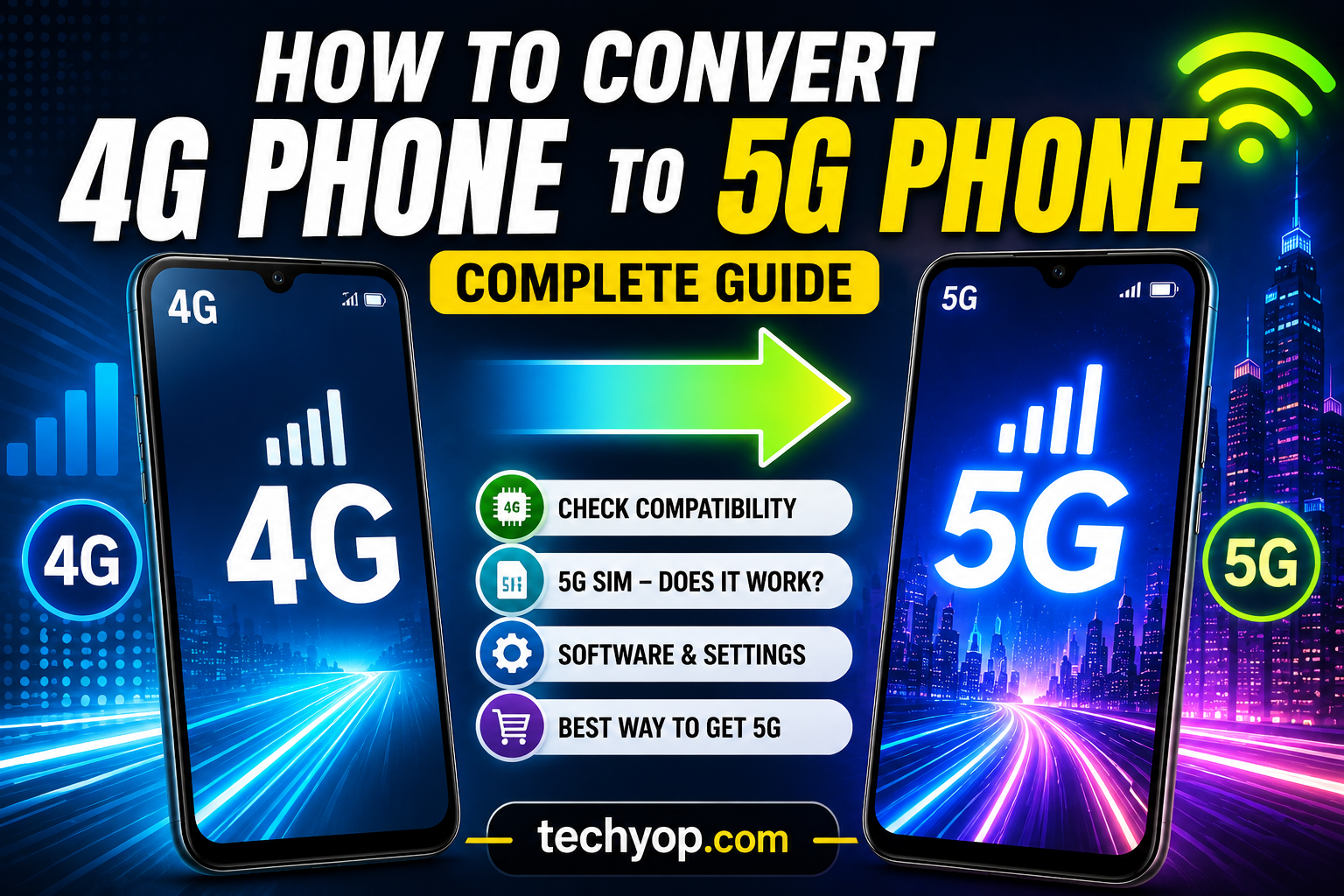
But can a 4G phone really be converted into a 5G phone? The short answer is usually no. A simple software update, app, or SIM card cannot add 5G hardware to a phone that was designed only for 4G. However, there are a few things you can check before deciding to replace your device.
Can a 4G Phone Be Converted to 5G?
A smartphone needs specific hardware to connect to a 5G network. This includes a compatible 5G modem, radio components, antennas, and other supporting hardware.
If your phone was manufactured as a 4G-only device, these components may not be present. Installing an application or changing a network setting cannot physically add the missing hardware.
Some phones may appear to support 5G after a software update, but this generally applies to devices that already contain 5G-capable hardware. The manufacturer may simply enable or improve an existing feature through an update.
Can a 5G SIM Make a 4G Phone 5G?
No. A 5G SIM card does not automatically turn a 4G smartphone into a 5G device.
A compatible SIM can be used with a 5G network, but the phone itself must also support the required 5G network bands and technologies.
For example, if your phone supports only 4G LTE, inserting a 5G SIM will normally allow the phone to continue using 4G where available.
Check Whether Your Phone Already Supports 5G
Before trying to upgrade your phone, first check whether it actually supports 5G.
1. Check Phone Specifications
Search for your exact phone model on the manufacturer’s official website. Look for specifications such as:
- 5G network support
- Supported 5G bands
- 5G NR
- 5G modem
- 5G connectivity
Do not rely only on the name of the phone because some models have different versions for different markets.
2. Check Network Settings
On many Android phones, you can open:
Settings → Mobile Network/SIM → Preferred Network Type
If the device supports 5G, you may see an option such as:
5G/4G/3G/2G
The exact menu can vary by manufacturer and Android version.
On an iPhone, you can check the mobile network settings under:
Settings → Mobile Data/Cellular → Mobile Data Options
A 5G option may be displayed on supported models and networks.
3. Check the Exact Model Number
Two phones with similar names can have different hardware configurations. Check the model number in Settings → About Phone and compare it with the manufacturer’s official specifications.
This is one of the safest ways to determine whether your phone supports 5G.
Can a Software Update Enable 5G?
Sometimes, but only under specific circumstances.
If a phone already contains 5G hardware but the feature is restricted or requires a carrier or manufacturer update, a software update may enable 5G connectivity.
However, a software update cannot add a physical 5G modem or antennas to a phone that does not have them.
Therefore, websites or applications claiming to “convert any 4G phone to 5G” through software should be treated carefully.
Can an App Convert 4G to 5G?
No legitimate Android or iPhone application can physically convert a 4G-only phone into a true 5G phone.
Some applications can display network information, help test connection speeds, or provide shortcuts to network settings. They cannot replace the phone’s cellular modem.
Be particularly careful with apps that request unnecessary permissions or claim to unlock 5G on unsupported hardware.
What About Rooting or Custom ROMs?
Advanced users sometimes consider rooting an Android phone or installing a custom ROM to unlock additional network features.
However, this does not normally solve a hardware limitation. If the device lacks a 5G modem, rooting cannot create one.
Custom software can potentially change how supported hardware is configured, but it cannot turn a 4G modem into a genuine 5G modem.
There can also be risks such as security problems, software instability, loss of warranty, or an unusable device if the process goes wrong.
What Is the Best Way to Get 5G?
If your current phone genuinely supports only 4G, the practical solution is to purchase a smartphone with built-in 5G support.
Before buying, check:
- 5G support
- 5G frequency bands
- Processor and modem
- Battery capacity
- Software update support
- Carrier compatibility
- Warranty and official availability
Choosing a phone that supports the 5G bands used by your mobile network is particularly important. A phone can technically support 5G but still have compatibility problems if its supported bands do not match those used by the carrier.
Does 5G Always Mean Faster Internet?
Not necessarily.
5G can provide significantly higher speeds and lower latency than 4G under suitable conditions, but actual performance depends on several factors. These include network coverage, spectrum, congestion, signal strength, device capabilities, and the mobile operator.
In some locations, a strong 4G connection can perform better than a weak or congested 5G connection.
Frequently Asked Questions
Can I convert my 4G phone to 5G?
A 4G-only phone generally cannot be converted into a true 5G phone because 5G requires compatible hardware.
Will a 5G SIM work in a 4G phone?
In many cases, yes. However, the phone will normally connect using 4G rather than 5G because it does not have 5G hardware.
Can an app enable 5G?
No. An app cannot add a 5G modem to a phone that was manufactured without one.
Can a software update turn 4G into 5G?
Only if the phone already contains the necessary 5G hardware and the manufacturer or carrier enables the functionality through software.
Do I need to buy a new phone for 5G?
If your current phone is genuinely 4G-only, buying a 5G-compatible phone is generally the practical option.
Final Thoughts
A 4G-only smartphone cannot normally be transformed into a genuine 5G device using an app, SIM card, software update, or network setting. 5G connectivity depends on hardware built into the phone.
Before spending money on a new device, check your exact model number and official specifications. If your phone already has 5G hardware, a software or carrier update may be all that is required. If it does not, upgrading to a compatible 5G smartphone is the more reliable solution.